
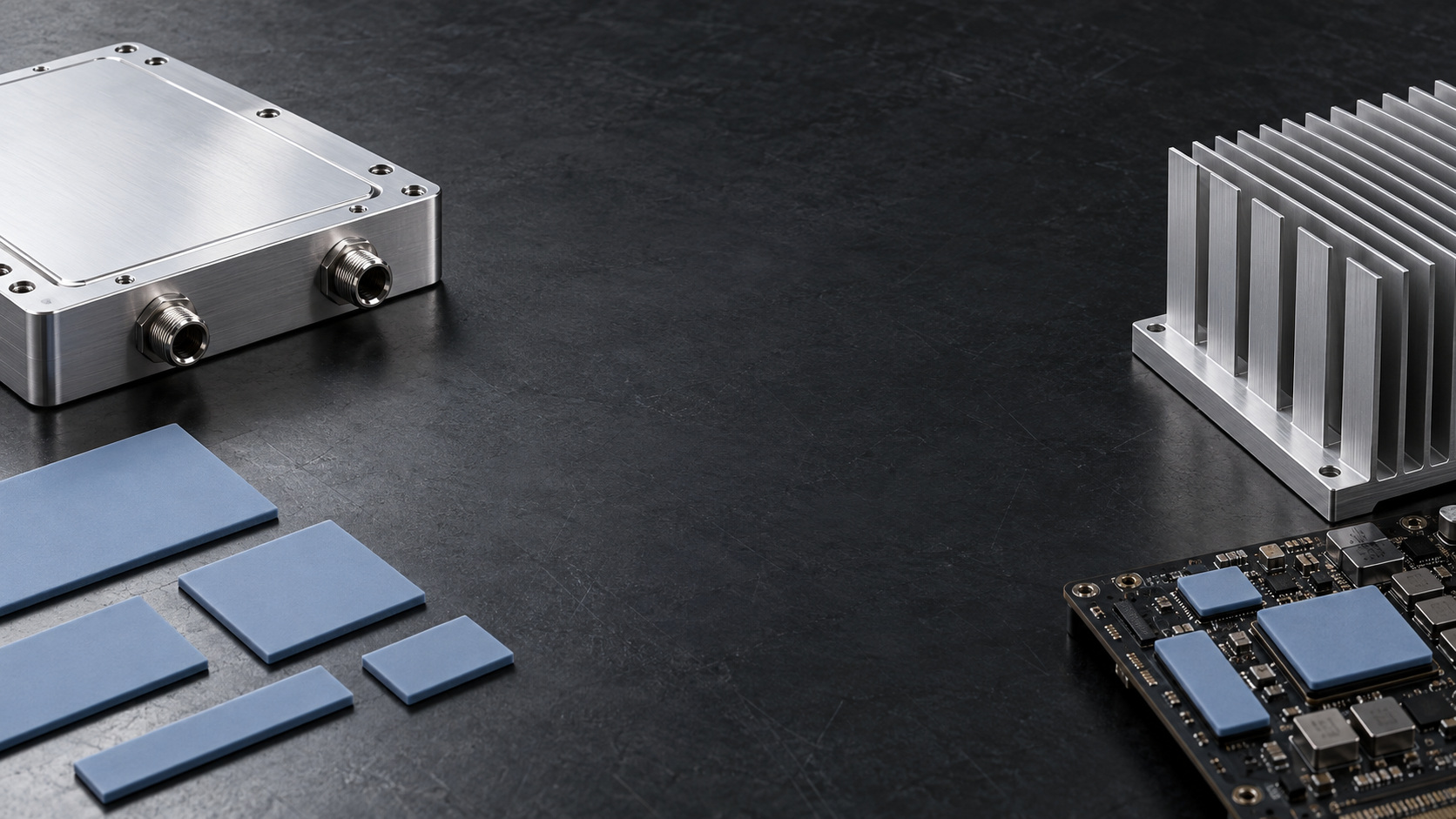
Thermal Pads. Engineered for the Gap
Connect components to heat sinks, cold plates and enclosures with compliant, custom-cut thermal interfaces built around your assembly.
A Compliant Bridge from Component to Cooling Surface
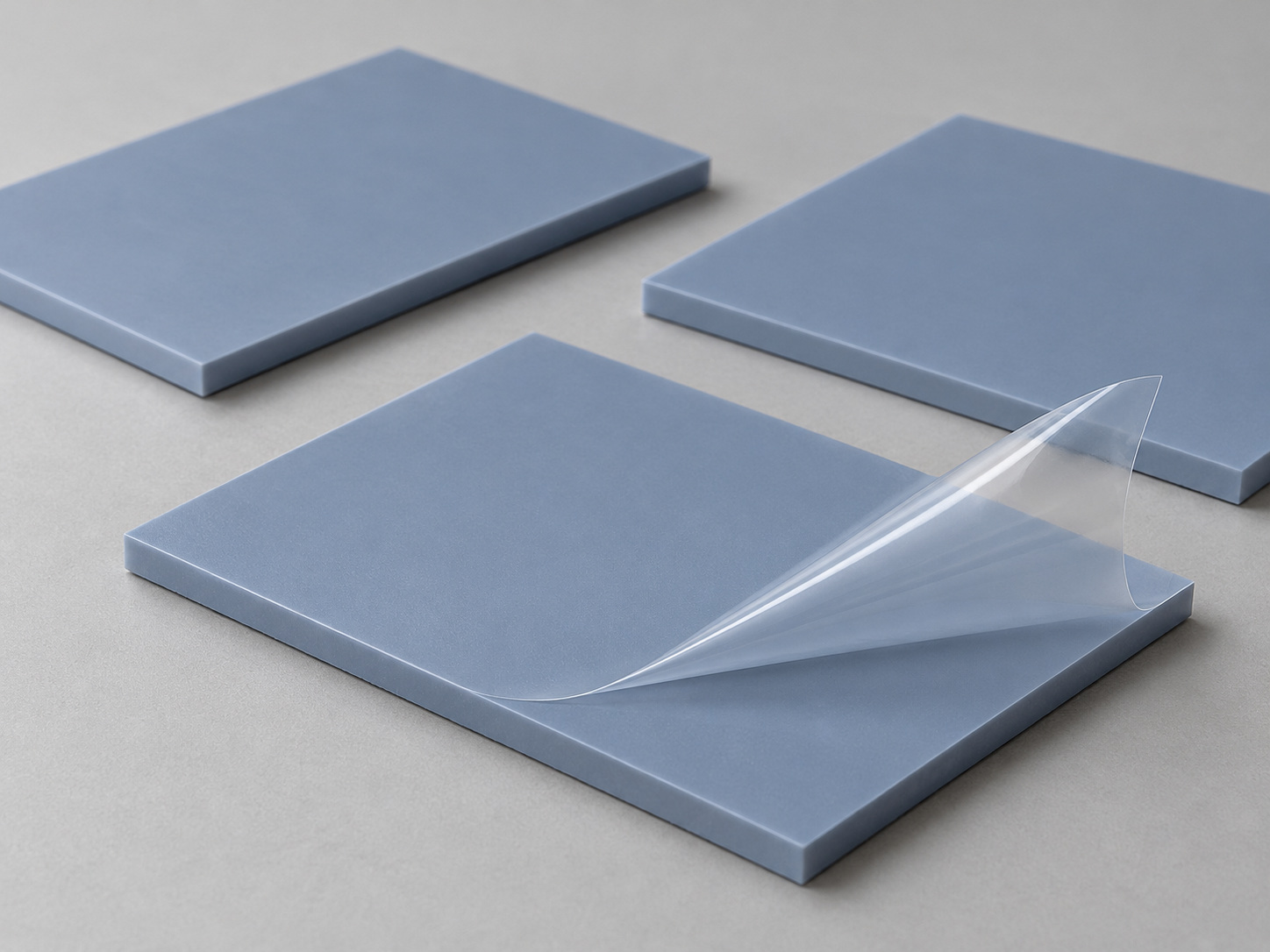
Soft thermal pads fill mechanical gaps and surface variation, giving heat a controlled path into the cooling structure.
Understand the Path the Heat Takes
A pad manages the contact interface. The heat sink, cold plate or enclosure then carries that heat away.
Heat Flow
Contact
Continuous contact replaces insulating air at the mating surfaces.
Conduction
Heat flows through the compressed pad thickness into the cooling surface.
Heat rejection
The cooling structure transfers heat to the airflow, coolant or enclosure exterior.
Specify the Material Around Your Operating Conditions
Use a coordinated material specification so thermal, mechanical and electrical requirements are checked together.
| Property / Parameter | Specification / Value |
|---|---|
| Thermal conductivity | 1–8 W/(m·K) |
| Nominal thickness | 0.5–5 mm |
| Hardness | Approx. Shore 00 20–70 |
| Operating temperature | Common grades: −40 to 150°C |
| Compression design | Often 10–30%; confirm the selected material curve |
| Electrical / flame properties | Specified by material grade and supporting evidence |
Test conditions
Compare material data at stated thickness, pressure and temperature.
Mechanical limits
Use compression stress data and the package load limit.
Application fit
Balance gap closure, thermal impedance and assembly force.
Choose Thickness from the Assembled Gap
Start with the full tolerance range, then check compression at both the smallest and largest gap.
| Nominal pad | 1.50 mm |
| Assembled gap | 1.10–1.30 mm |
| At 1.30 mm gap | 13.3% compression |
| At 1.10 mm gap | 26.7% compression |
Measure the stack
Include component height, board position, cooling surface and mounting tolerance.
Check both limits
Avoid loss of contact at maximum gap and excess force at minimum gap.
Confirm force
Use the selected pad stress curve at the target compression and temperature.
Move Heat Without Overloading the Assembly
Compliance must work with package limits, PCB support and controlled mounting travel.
Select by stress, not softness alone
Shore 00 hardness is useful for screening; the compression stress curve determines the applied load.
Control mounting travel
Stops, spacers or spring hardware help limit compression as screws are tightened.
Support the board
Place support near the loaded area and check package strain, board deflection and thermal expansion.
Keep Electrical Requirements in the Material Specification
Insulation, flame performance and cleanliness depend on the chosen grade, thickness and application.
Dielectric performance
Define test voltage, thickness and acceptance criteria for the selected material. Check the finished assembly where required.
Creepage and clearance
Keep electrical spacing in the hardware design. A thermal pad does not replace the required isolation distances.
Flame and compliance records
Request grade-specific flame rating evidence and current material compliance documentation.
Surface compatibility
Review silicone sensitivity, oil migration, contamination and the surfaces in contact with the pad.
Make the electrical and material requirements explicit.
Discuss Material RequirementsLook Beyond the Conductivity Number
Compressed thickness and contact area can matter as much as the conductivity value on a datasheet.
Compare the interface under the conditions your assembly will use.
Compare Your InterfaceCustom-Cut for the Way Your Team Assembles
Turn the approved material into an installation-ready shape with controlled dimensions and clear identification.
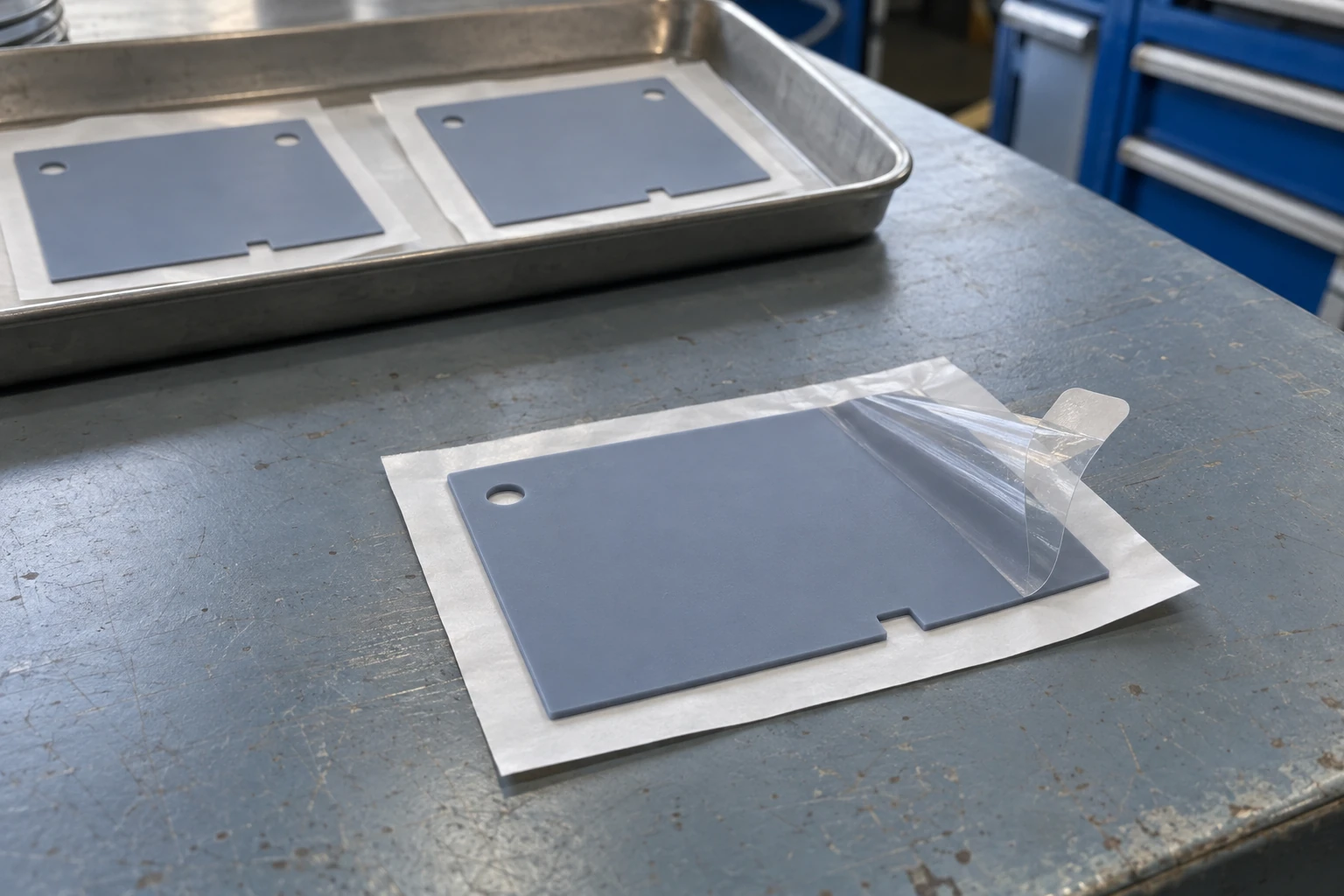
Controlled geometry
DXF or PDF outlines define cutouts, keep-outs, holes and orientation features.
Handling options
Release liners and pull tabs help placement without stretching the pad.
Positioning support
Optional adhesive backing supports location; include its effect in the interface review.
Production identification
Part number, drawing revision and material lot keep pads aligned with the approved BOM.
Built for Interfaces Across Industrial Electronics
Match each pad to the local gap, load and cooling structure inside your equipment.

Industrial power supplies
Bridge magnetics and power devices to the housing where clearances and isolation requirements permit.

Industrial computing
Connect processors, chipsets and memory regions to a heat spreader or fanless enclosure.

Communications equipment
Manage multiple device heights beneath a shared cooling cover while controlling board load.
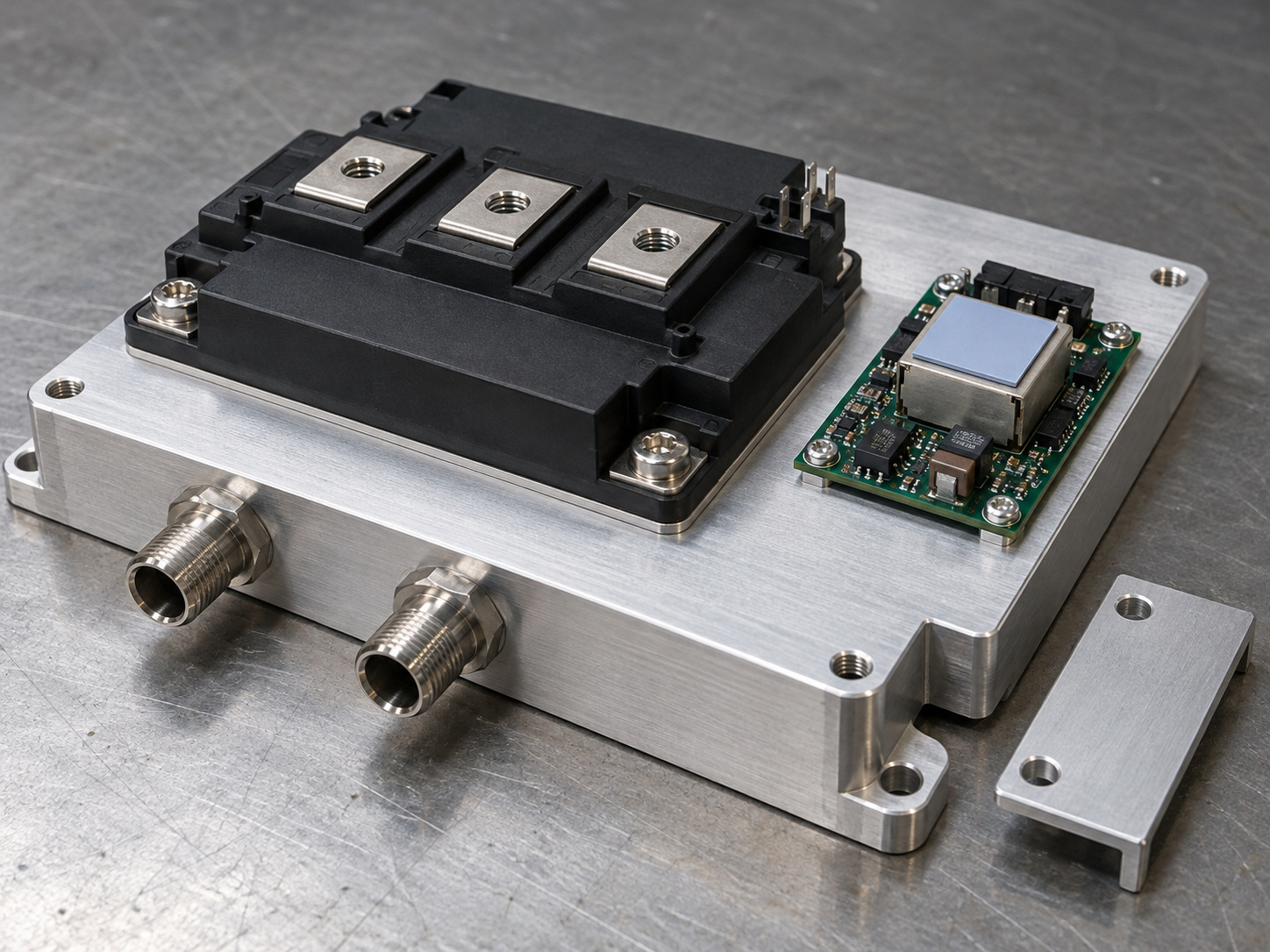
Power conversion systems
Support defined auxiliary thermal interfaces around cold plates and power assemblies.
Coordinate the Pad with the Cooling Hardware
One interface review can align the thermal pad, mating surface and mounting details before the assembly is frozen.
Heat sinks
Match the pad footprint to the base contact area; keep fins and airflow passages clear.
Liquid cold plates
Specify the component-to-plate interface and mounting stops alongside the plate surface and coolant boundary.
Thermal enclosures
Include enclosure flatness, board location and service access in the assembled gap calculation.
Bring the interface and cooling hardware into the same review.
Review the Complete AssemblyA Material Decision Your Quality Team Can Trace
Connect the approved specification to inspection records and delivery identification.
Material evidence
Grade-specific data covering conductivity method, thickness, hardness and electrical or flame properties.
First-piece approval
Dimensional inspection against the released drawing, with samples for fit and assembly checks.
Production control
Material lot, part number and drawing revision linked to inspection and shipment records.
Confirm the document scope and revision with the selected material and project.
Define the evidence your engineering and quality teams need.
Plan Your Approval PackageFrom Gap Definition to Repeatable Supply
Resolve the interface step by step, then carry the approved material and drawing into production.
Define
Send gap range, contact footprint, heat load, temperature limits and annual demand.
Review
Confirm material, compression window, mechanical load and cut geometry.
Validate
Check fit, interface temperatures and assembly behavior using project samples.
Release
Freeze the approved grade, drawing revision, inspection and packaging requirements.
Questions to Settle Before You Specify the Pad
Clear answers help thermal, mechanical and purchasing teams work from the same requirements.
Should I always choose the highest conductivity?
How much compression should I allow?
Can I stack pads to fill a larger gap?
Will the pad electrically isolate the component?
Can you supply cutouts, liners and adhesive backing?
What do you need to quote a custom pad?
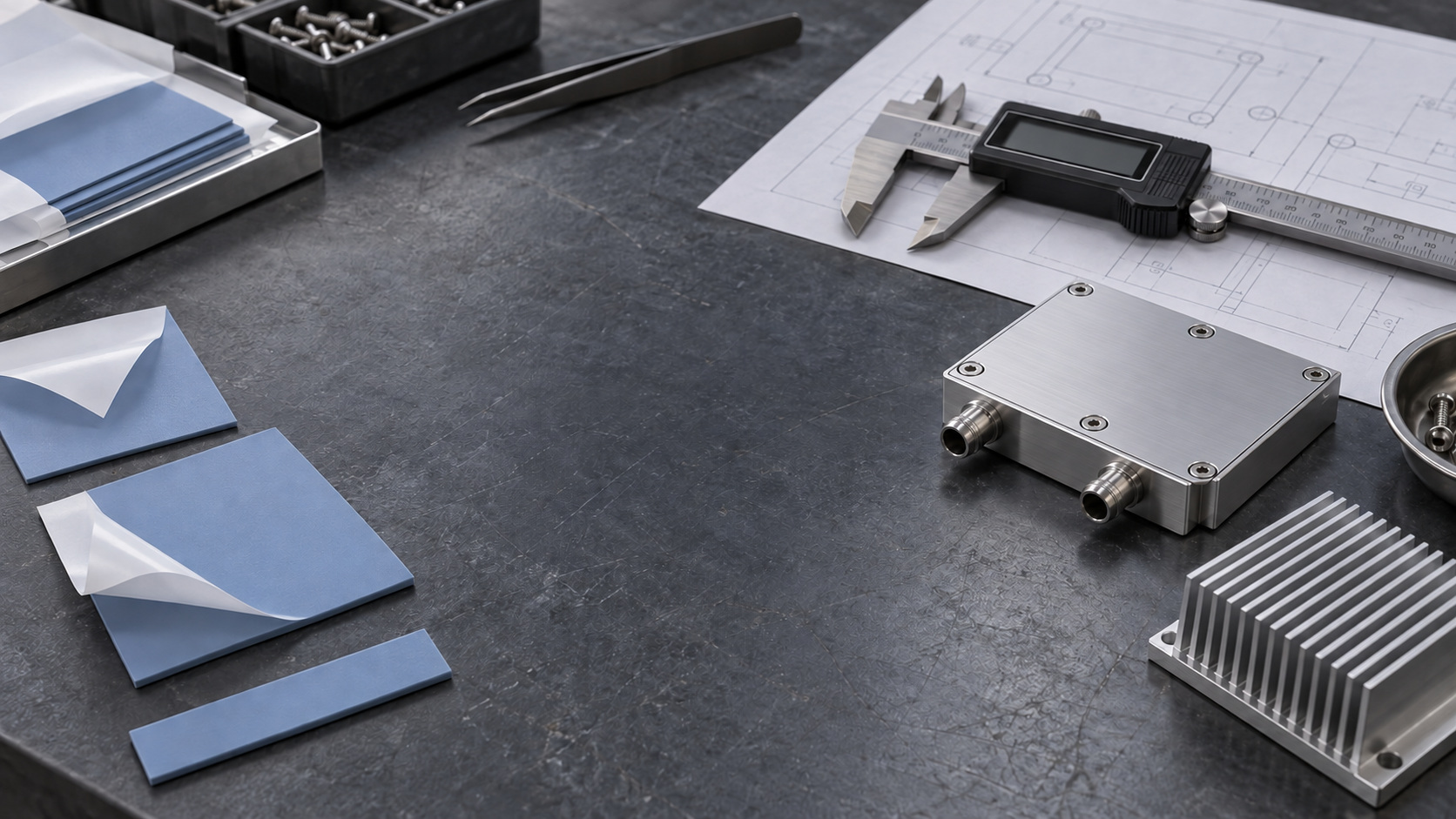
Let’s Define Your Thermal Pad Interface
Send your drawing or gap requirements. Our team will help align the material, cut geometry and mounting conditions.
-
Application-focused review
Gap, load and thermal conditions considered together.
-
Custom-cut supply
Outlines, cutouts and handling features matched to the drawing.
-
Cooling hardware coordination
Review the pad with your heat sink, cold plate or enclosure.
-
Approval documentation
Material data and dimensional records for your project.
-
Production continuity
Controlled material, drawing revision and lot identification.