
A PC voltage regulator heat sink cools power-conversion components around a processor or another heavily loaded rail, usually through a specified contact interface. Choose it around the board’s actual heat sources, pad compression, mounting force and airflow. A replacement that looks larger can perform worse if it misses the intended package surfaces.
1. What does a PC voltage regulator heat sink cool?
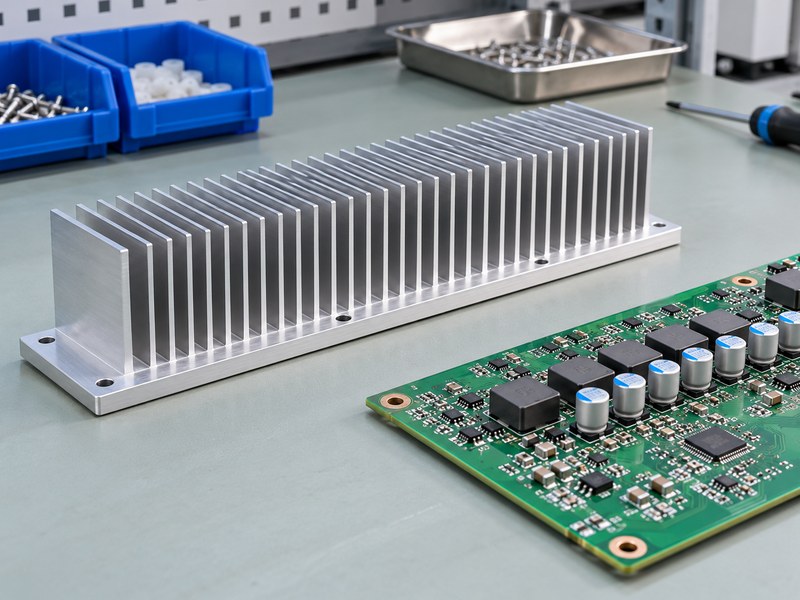
A PC voltage regulator heat sink usually removes heat from VRM power stages or discrete switching devices near a high-current rail. The exact components depend on the board design. It should not be treated as the same installation as a small three-terminal linear regulator on a bench supply.
Identify the board architecture
Review the board documentation and inspect the intended contact areas before ordering a replacement. Integrated power stages, separate MOSFETs, inductors and controllers have different loss distributions and package surfaces. Some original assemblies contact several component types, while others deliberately cool only selected packages.
- Identify the components beneath the original thermal interface.
- Record package heights and contact positions.
- Distinguish thermal contact from nearby clearance surfaces.
Define the cooling boundary
An OEM board-level heat sink needs an identified set of heat sources and a mechanical relationship with the PCB. If a part contacts two rows of components with different heights, its pad and base design must accommodate those differences. A general “VRM cooler” label does not provide that information.
| Board feature | Information to establish |
|---|---|
| Power stages | Packages, loss and intended contact |
| Inductors | Whether the original design cools them |
| Mounting points | Board geometry and available force |
Identify what the cooling part is supposed to touch before changing its geometry.
2. Which surfaces need direct thermal contact?
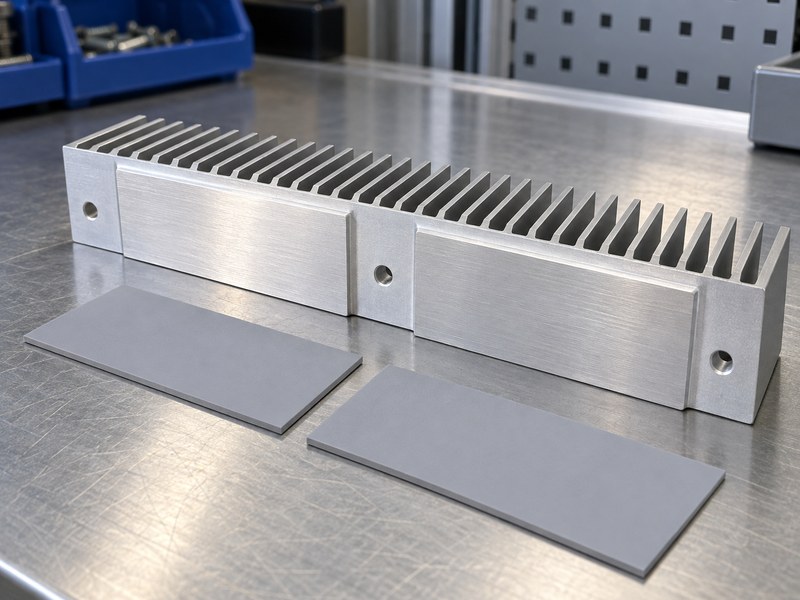
A PC voltage regulator heat sink needs contact with the surfaces selected by the board and package design. A visible gap above a power stage can leave the main heat source poorly cooled, while unwanted contact with small surrounding components can introduce mechanical or electrical faults. Review the entire underside footprint.
Map the contact and clearance regions
Use the original drawing or measured component positions to distinguish contact pads from keep-out areas. Check local components, solder joints and connectors near the base edge. The underside may need a stepped land or relief instead of one flat face spanning every nearby object.
- Mark each intended contact footprint.
- Record nearby component heights and tolerances.
- Keep metal clear of exposed conductors and fragile parts.
Confirm the package’s thermal path
A package can transfer significant heat into the PCB as well as into a top-mounted sink. Review the manufacturer’s thermal information before assuming that all device loss flows through the upper surface. Cooling the top can still help, but its contribution needs a model or board-level measurement suited to that construction.
| Underside region | Required treatment |
|---|---|
| Intended package contact | Controlled pad and compression |
| Nearby small components | Defined clearance |
| Unequal package heights | Suitable steps or interface arrangement |
The base should contact its intended sources without making unintended ones into supports.
3. How do you estimate the heat entering the sink?
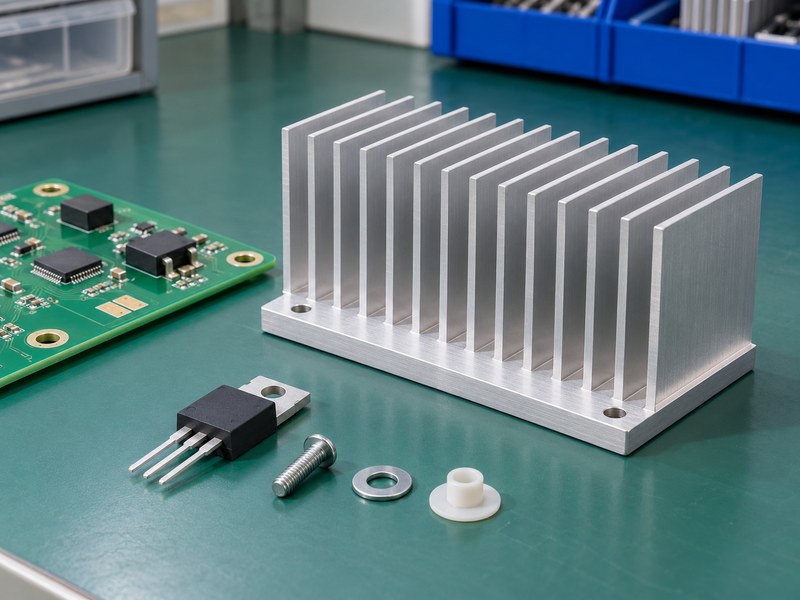
Estimate PC voltage regulator heat sink loading from the losses in the cooled components, rather than applying a linear-regulator voltage-drop formula to a switching VRM. A buck converter switches energy through power stages and inductors. Its losses depend on operating voltage, current, switching behavior, temperature and control conditions.
Separate rail power from converter loss
Processor power is useful for defining a test load, but it does not equal the heat dissipated in the VRM sink. Converter efficiency can estimate total conversion loss at a specific operating point, yet that loss is distributed across several components. Use vendor models or measurements to identify the portion entering the cooled packages.
- Record the sustained rail operating state.
- Include relevant conduction and switching losses.
- Keep inductor and controller losses separate where their paths differ.
Review phase and load behavior
Loss distribution can change as a multiphase controller changes operating mode or phase participation. A light-load state and a high sustained load may heat different regions differently. Test representative operating states instead of assuming every phase always carries equal loss or shares identical cooling conditions.
| Quantity | Appropriate use |
|---|---|
| Load power | Defines the rail operating condition |
| Total converter loss | System heat estimate |
| Cooled-package loss | Input to the sink contact model |
Assign heat to the components whose thermal paths the proposed part actually changes.
4. How do you choose thermal pad thickness?
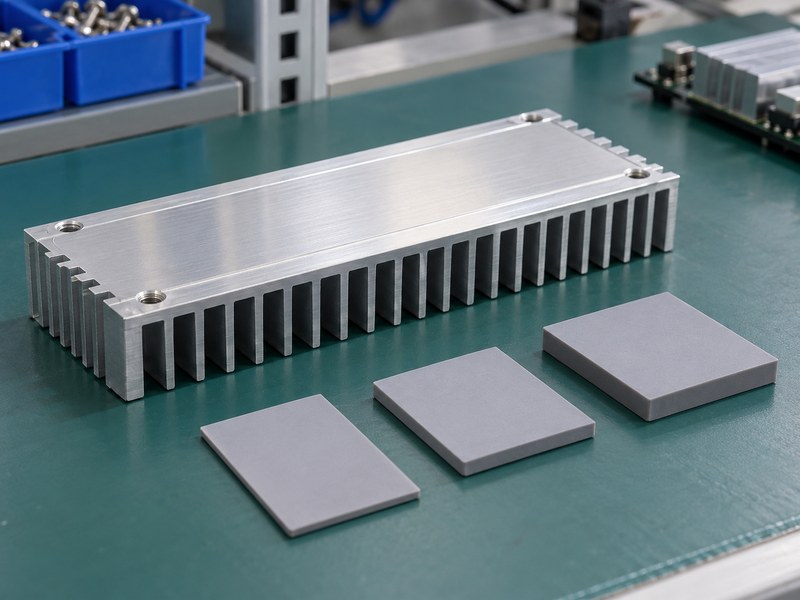
Choose PC voltage regulator heat sink pad thickness from the finished gap, tolerances and permitted compression. A thicker pad can fill a larger gap but also changes thermal resistance and mounting load. There is no universal thickness suitable for every motherboard or power-stage package.
Measure the assembled geometry
Review the distance between the mounting stops, base lands and package surfaces. Include board thickness, component height and sink flatness tolerances when defining the gap. If a pad compresses excessively, it can load packages or bow the PCB; if it does not make sufficient contact, heat transfer becomes inconsistent.
- Use the selected pad’s compression guidance.
- Check the largest and smallest credible gaps.
- Include the original stops or spacers in the measurement.
Compare material data under relevant conditions
Bulk conductivity alone does not establish the resistance of a finished joint. Contact area, pressure, thickness and material behavior also contribute. Confirm that the pad’s electrical properties suit the exposed surfaces and nearby circuitry, then validate the assembled contact rather than relying on an advertised conductivity figure.
| Pad input | Evidence required |
|---|---|
| Nominal thickness | Finished gap and tolerance stack |
| Compression | Supplier range and package load limit |
| Thermal resistance | Relevant thickness, area and pressure |
Select the pad and mechanical stops as one contact system.
5. How should the mounting force be controlled?
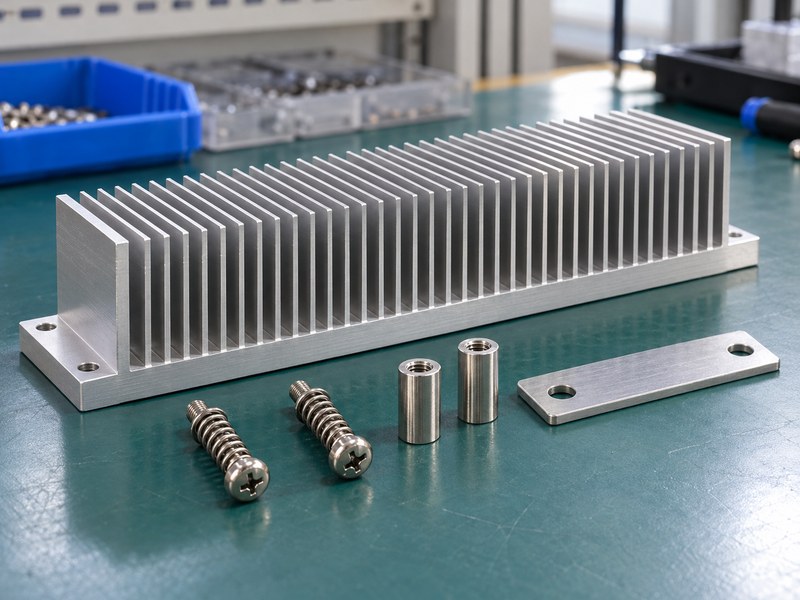
Control PC voltage regulator heat sink force through a mounting system compatible with the board and component limits. Springs, stops and spacers can make force more repeatable, but their dimensions and arrangement still need design review. Tightening until a pad appears compressed is not a reliable force specification.
Review the load path
Identify where the mounting reaction enters the board and whether a backplate or standoff supports it. Uneven tightening can tilt the base or bow the PCB, causing one row of power stages to make better contact than another. Use an approved tightening sequence and hardware set.
- Check support near each attachment point.
- Verify screw length and stop engagement.
- Inspect board deflection and base seating.
Keep the hardware controlled
A different spring, washer or spacer can change the pad compression even when the screw thread matches. Treat heat sink mounting hardware as part of the tested assembly. Replacement and rework instructions should identify the parts that must stay with the approved configuration.
| Mounting element | Function to verify |
|---|---|
| Spring or compliant element | Controlled preload |
| Stop or spacer | Defined assembled position |
| Board support | Limits bending and package loading |
Approve the contact force through the complete assembly’s mechanical behavior.
6. How does case airflow affect VRM cooling?
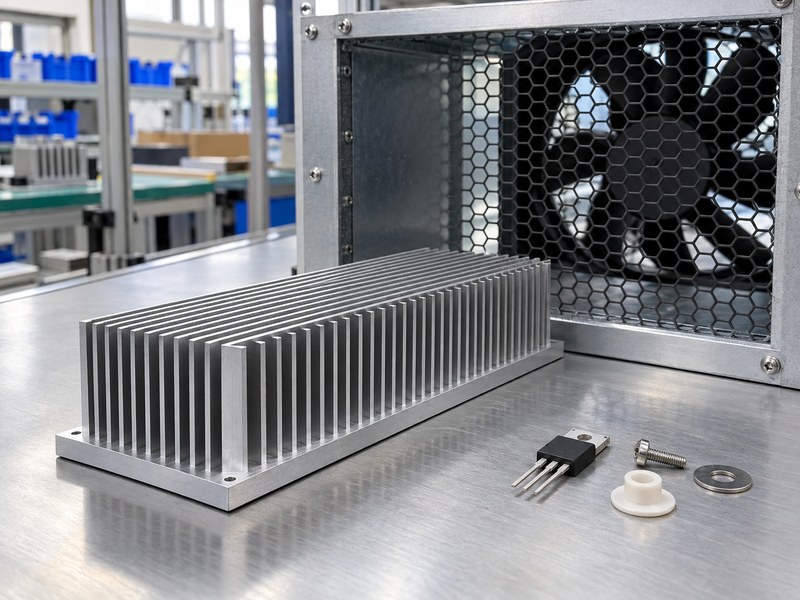
Case airflow changes a PC voltage regulator heat sink’s ability to reject heat, even when contact is correct. The useful quantity is flow through the fin region and the temperature of that air. Case-fan specifications alone do not describe the local cooling condition beside the processor.
Follow the installed air path
CPU cooling hardware, memory modules, cables and case panels can redirect or restrict airflow around a VRM profile. A change from an air cooler to a liquid-cooled processor can also change nearby air movement. Evaluate the VRM after the complete cooling arrangement is installed, rather than transferring an open-bench result.
- Check inlet restrictions and filter condition.
- Review flow around the processor socket and board edges.
- Keep fin channels open to the intended air path.
Test more than one enclosure state
An open side panel can change both restriction and recirculation, so it is not automatically a conservative test condition. Use the final enclosure and representative cable arrangement for acceptance. If a particular fan is required for VRM cooling, include its installed behavior in the operating specification.
| Airflow factor | Board-level check |
|---|---|
| CPU cooler arrangement | Local movement around the VRM |
| Case restriction | Flow through the fin region |
| Recirculation | Temperature of air reaching the sink |
Validate the local cooling condition the finished computer will use.
7. Can you replace an original sink with a larger part?
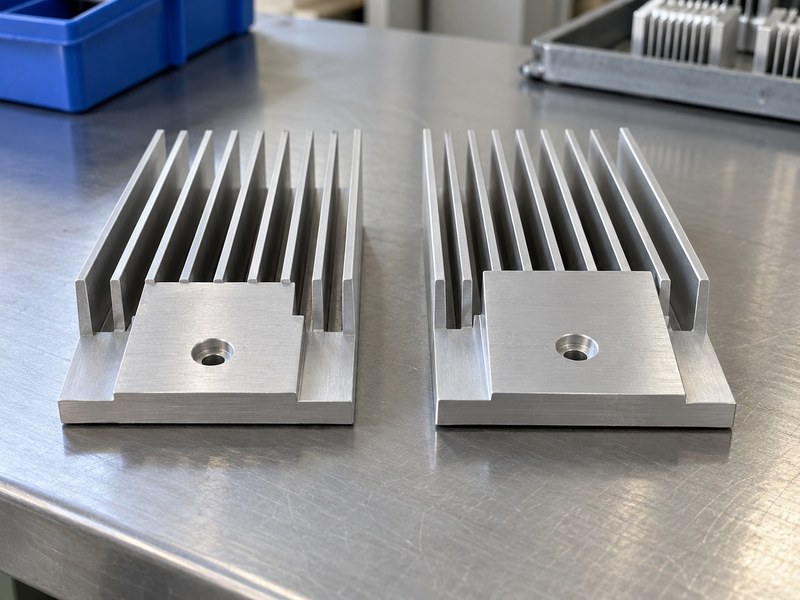
You can replace a PC voltage regulator heat sink only after checking contact, clearances, mounting and thermal behavior for the proposed part. More external fin area does not compensate for a poor underside fit. A larger part can also obstruct airflow, interfere with connectors or change loading on the PCB.
Compare the complete geometry
Check mounting-hole positions, contact lands, component keep-outs and the pad stack before comparing height or mass. Preserve any electrically insulating barriers required by the original arrangement. If the replacement’s underside differs, verify every intended contact instead of assuming the original pad pieces will bridge the change.
- Compare the original and proposed mounting datums.
- Review access to connectors and cooler fasteners.
- Check cover and adjacent-component tolerances.
Use a controlled prototype
A custom underside may suit CNC machined heat sinks when a standard profile cannot match the board. Test the revised assembly at the same load, ambient and cooling settings as the baseline. Record any electrical or mechanical change so the temperature comparison remains meaningful.
| Replacement claim | Evidence to request |
|---|---|
| Better contact | Verified assembled footprint |
| More cooling area | Installed thermal comparison |
| Compatible mounting | Drawing and board-load review |
Accept a replacement from the completed assembly’s result, rather than its apparent size.
8. How do you measure VRM temperatures correctly?
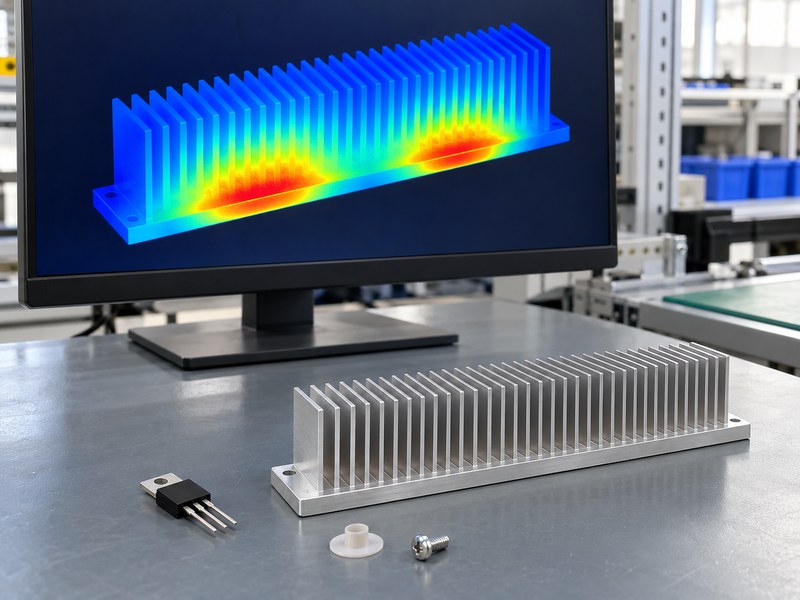
Measure PC voltage regulator heat sink behavior with a repeatable load, local air temperature and defined sensor method. Board telemetry may report a sensor near the VRM or an internal package measurement, depending on the design. Identify what that reading represents and check the relevant package thermal metrics before treating it as a junction temperature.
Keep operating conditions consistent
Use repeatable sustained workload settings and record relevant rail or system power information. Fan control can change during a test, so record its behavior as well as the temperature. Allow an appropriate warm-up and compare the baseline and proposed assembly under matching enclosure and ambient conditions.
- Identify the telemetry source where documentation permits.
- Record load settings, cooling settings and local air temperature.
- Include case and package measurements when appropriate.
Interpret thermal images carefully
Shiny metal and reflective surfaces can give misleading infrared readings without suitable emissivity treatment. A cool sink surface can mean low loss, good cooling or weak contact with a hotter package. Use thermal images to guide inspection, then interpret them with contact information and a suitable package thermal model.
| Measurement | Interpretation limit |
|---|---|
| Board telemetry | Sensor location and calibration matter |
| Sink surface | Does not directly equal junction temperature |
| Infrared image | Emissivity and reflections need review |
Compare documented measurements instead of treating one displayed number as the whole thermal result.
9. What information does a custom supplier need?
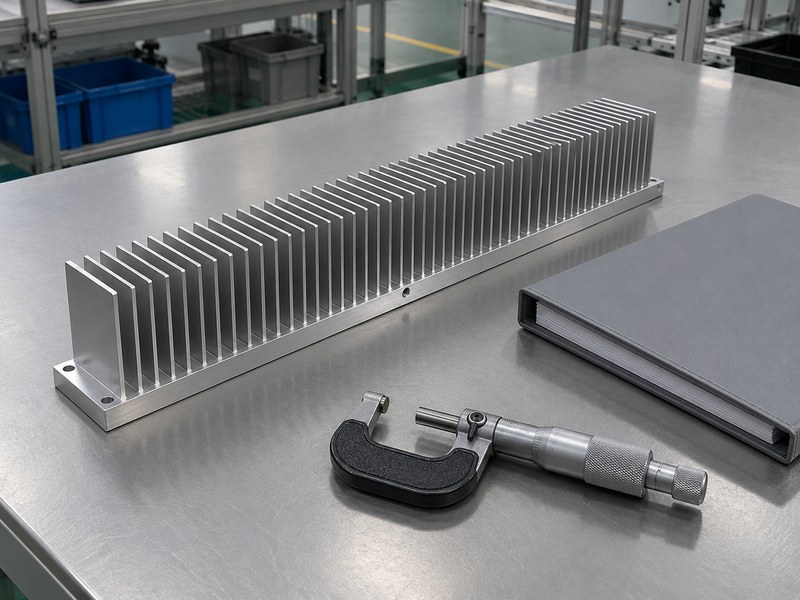
A supplier needs the board contact map, package heights and mounting constraints to design a PC voltage regulator heat sink. Include the heat-source information and installed cooling conditions. A top-side board photograph is useful context, but it cannot replace dimensional and contact requirements.
Define the underside before the fins
Identify the mounting datums, intended contact lands, keep-outs and pad compression targets. Then state the usable fin envelope and airflow direction. An extruded heat sink with a machined underside may work if its profile supports the required contact geometry and manufacturing tolerances.
- Supply component position and height information.
- State pad grade, thickness and compression requirements.
- Define support, screw and spacer interfaces.
Agree on sample validation
Specify how contact will be inspected and how the assembled board will be thermally tested. The acceptance method should capture both rows of power stages if the profile spans multiple regions. Include production quantities and revision control so later lots retain the tested underside and mounting stack.
| Supplier input | Design outcome |
|---|---|
| Contact and height map | Correct underside geometry |
| Loss and airflow conditions | Fin and base requirements |
| Board mounting limits | Suitable preload and support |
Make the supplier proposal assessable against the same conditions used for board acceptance.
10. How should an OEM approve the final assembly?
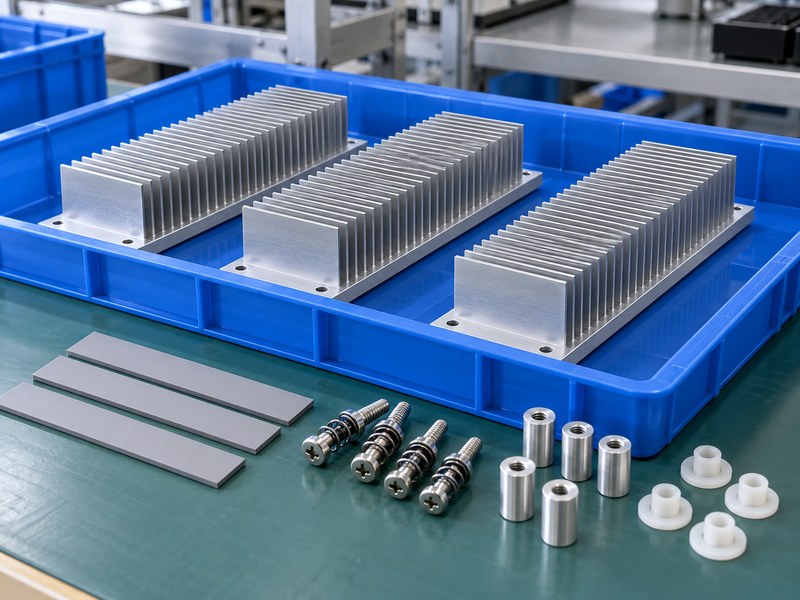
An OEM should approve a PC voltage regulator heat sink as a board-specific assembly with controlled interfaces and validated cooling. Record the package contact, pad material, hardware and enclosure conditions together. A tested profile without its mounting stack is an incomplete production specification.
Freeze the measured configuration
Keep mechanical drawings, assembly instructions and thermal results linked by revision. Define which component, pad or cooler changes require a contact or thermal review. Inspect production for correct liner removal, pad placement, hardware and seating before the unit enters final functional testing.
- Confirm intended contacts and electrical clearances.
- Verify board support and assembled force behavior.
- Retain baseline and proposed thermal comparison records.
Prepare a board-specific review
When you contact us, bring the contact map, height stack, mounting drawing and operating conditions. We can discuss a suitable custom base and fin arrangement from those inputs. Agree on the sample acceptance procedure before approving repeat production.
| Release item | Required control |
|---|---|
| Contact system | Pads, lands and package positions |
| Mechanical system | Supports, spacers and preload |
| Thermal result | Defined board, load and cooling state |
Recheck the assembly whenever a revision changes contact or local cooling conditions.
Q1: Can I use thermal paste instead of the original pads?
Only if the revised mechanical design supports that interface. Paste cannot bridge the same uncontrolled gaps as a compliant pad, and its electrical properties also need review.
Q2: What’s the best pad thickness for a motherboard VRM?
Use the thickness and compression required by that board’s finished geometry. A universal value ignores component height, stops and package-load limits.
Q3: How do I know if a cool sink has good contact?
You cannot tell from surface temperature alone. Check the intended footprint and package behavior under a defined load, using appropriate measurements.
Q4: Can liquid CPU cooling change VRM temperatures?
Yes. It can change local airflow around the socket even if processor temperature improves. Validate the complete cooling arrangement with the enclosure assembled.
Q5: Can a tall VRM sink reduce temperature automatically?
No. Contact, fin orientation and local airflow still determine its effect. Compare the installed assembly with a controlled baseline test.